By Mr. Huynh – Published:2026-09-14T13:15:29.535Z
[Disclaimer: All content on bingcoin.org is strictly for educational and informational purposes only and should not be construed as financial, legal, or investment advice. Cryptocurrency trading involves high risk. Always Do Your Own Research (DYOR).]
Why TradingView Mobile Matters for Crypto Traders
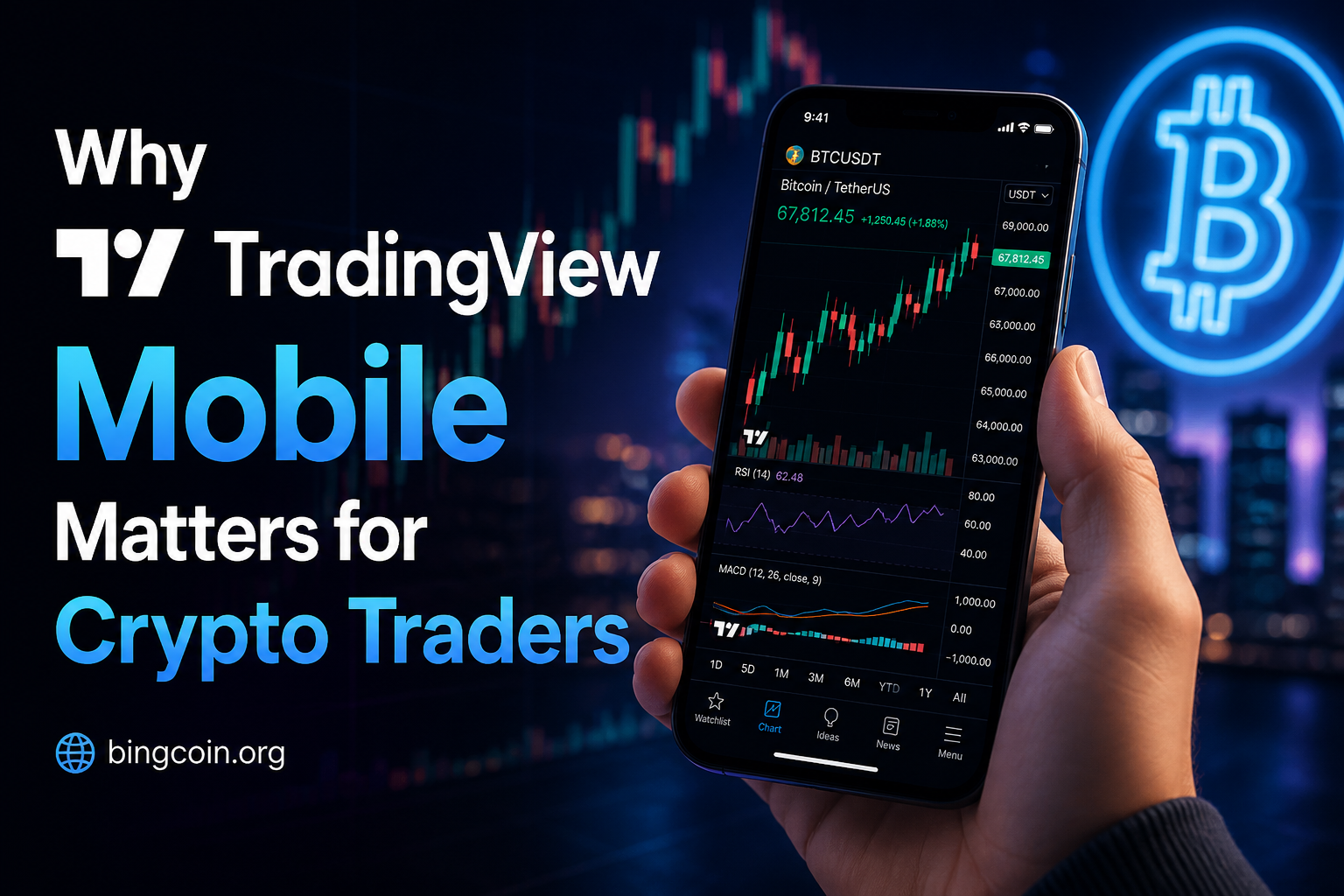
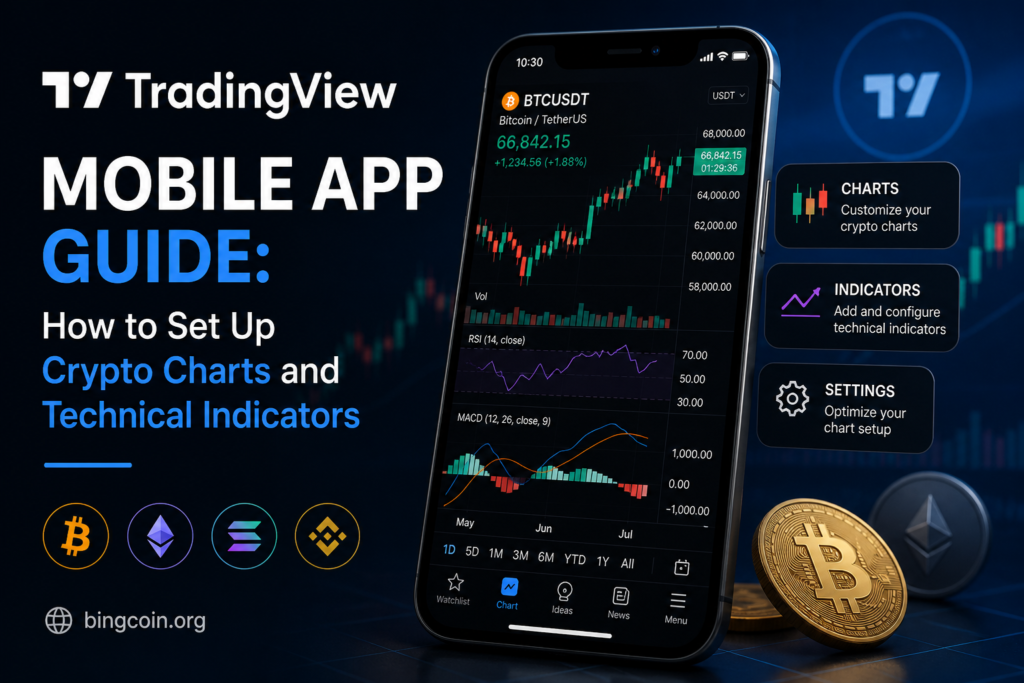
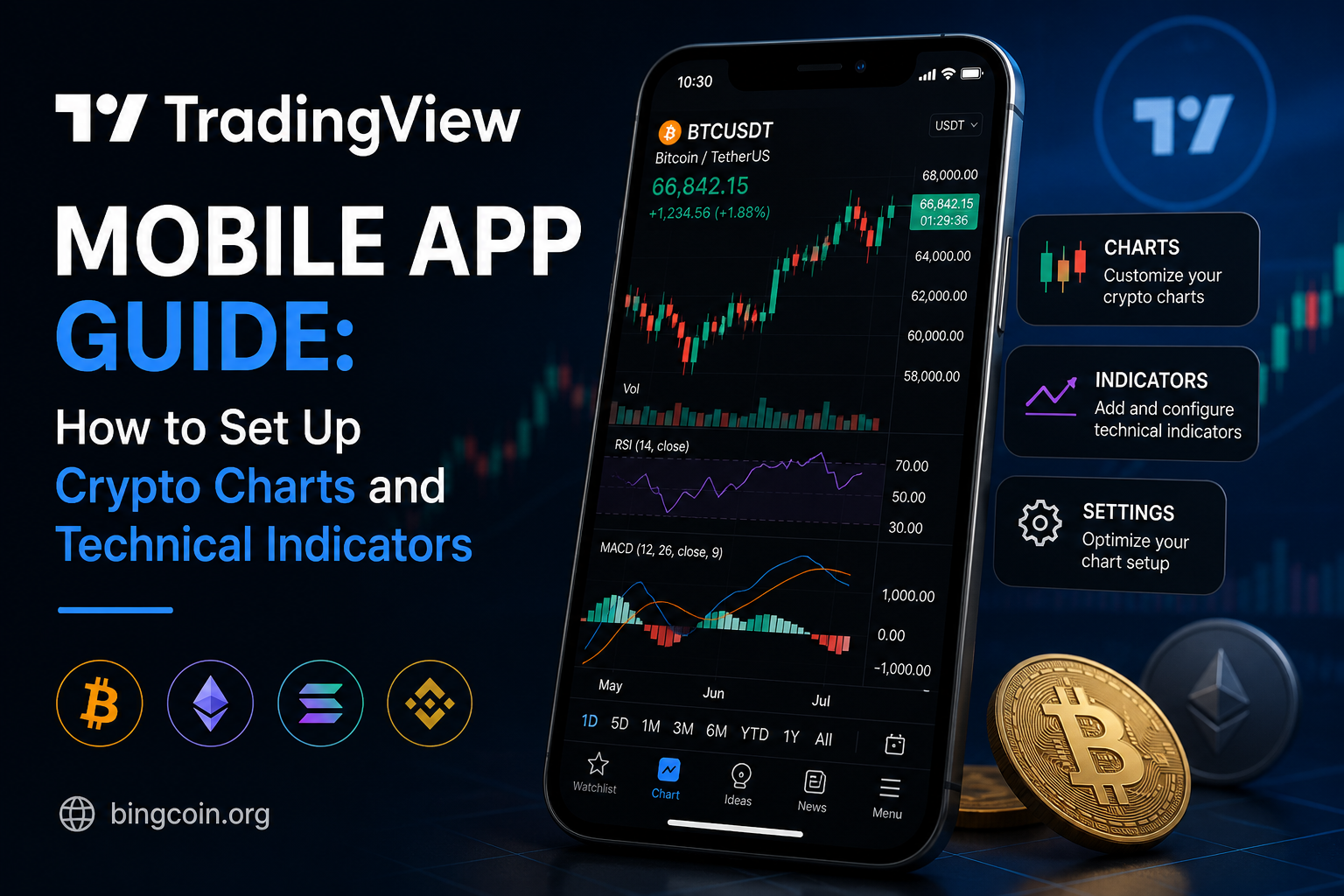
Cryptocurrencies are known for their volatile nature, with prices that can fluctuate significantly in a matter of hours. Having a reliable, real-time charting solution can be the difference between seizing an opportunity and missing it. The TradingView mobile app offers a comprehensive set of features for technical analysis, allowing traders to make informed decisions on the fly.
Unlike desktop platforms that can be cumbersome, the mobile app ensures traders can make quick adjustments to their strategies while on the go. This flexibility is crucial in the fast-paced crypto market, where conditions can change rapidly. Additionally, the app provides a seamless user experience, essential for both analysis and execution without unnecessary delays.
Setting Up Your Crypto Dashboard
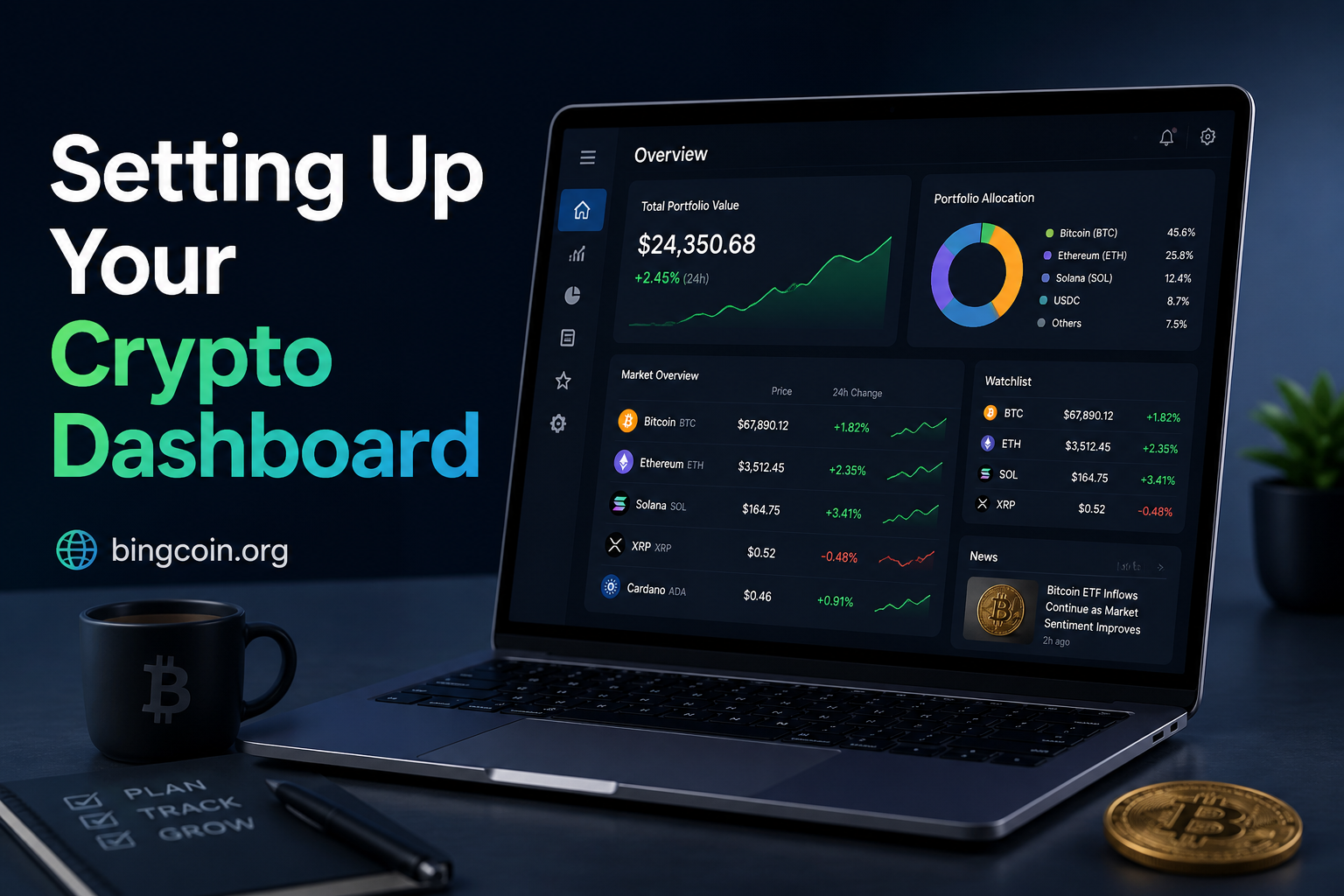
The first step in leveraging TradingView’s capabilities is setting up your dashboard. Once you have downloaded the TradingView app from your device’s app store and logged in, you can customize the dashboard to suit your trading needs.
Selecting Crypto Pairs
Navigate to the Markets section to choose the cryptocurrency pairs you’re interested in. TradingView supports a vast array of pairs, whether you’re interested in mainstream tokens like Bitcoin and Ethereum or altcoins.
Configuring Alerts
Price alerts ensure you don’t miss significant market moves. Set alerts by tapping the bell icon on your chosen crypto chart, specifying at which price point you want to be notified.
Understanding Crypto Chart Types
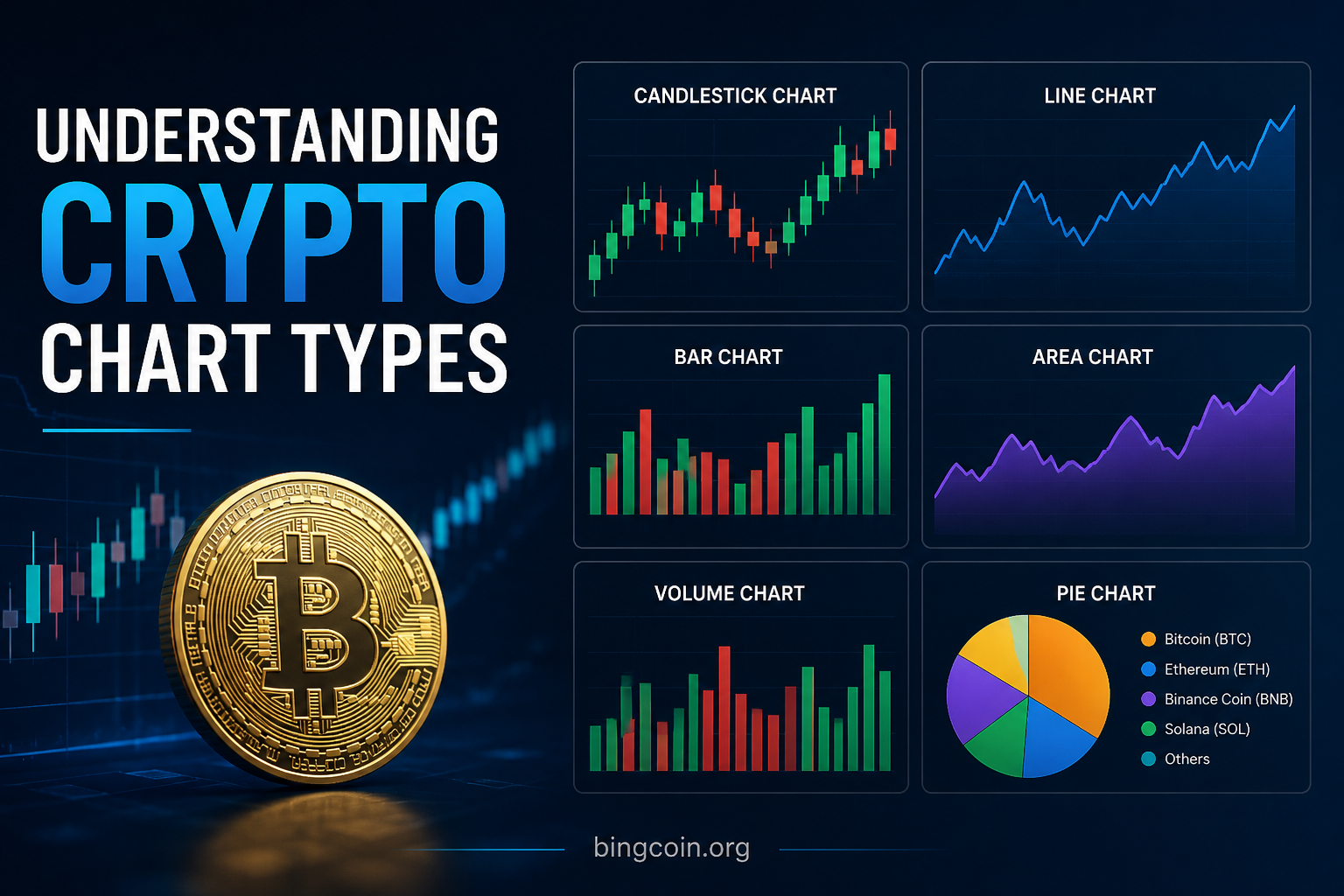
TradingView offers several chart types to cater to different analytical needs. Each type provides a unique perspective on price data, essential for crafting strategies.
Candlestick Charts
This is the most popular chart type for crypto traders. Each ‘candle’ shows a period’s open, high, low, and close prices. Candlestick patterns can reveal potential reversals or continuations in price movement.
Line Charts
Line charts offer a simpler visual representation, connecting closing prices. They are beneficial for identifying long-term trends but lack detailed price information like intraday highs and lows.
Heikin Ashi
This modified candlestick chart helps identify trend direction and strength by smoothing out price noise, which makes it easier to spot larger trends without being distracted by short-term volatility.
Integrating Technical Indicators
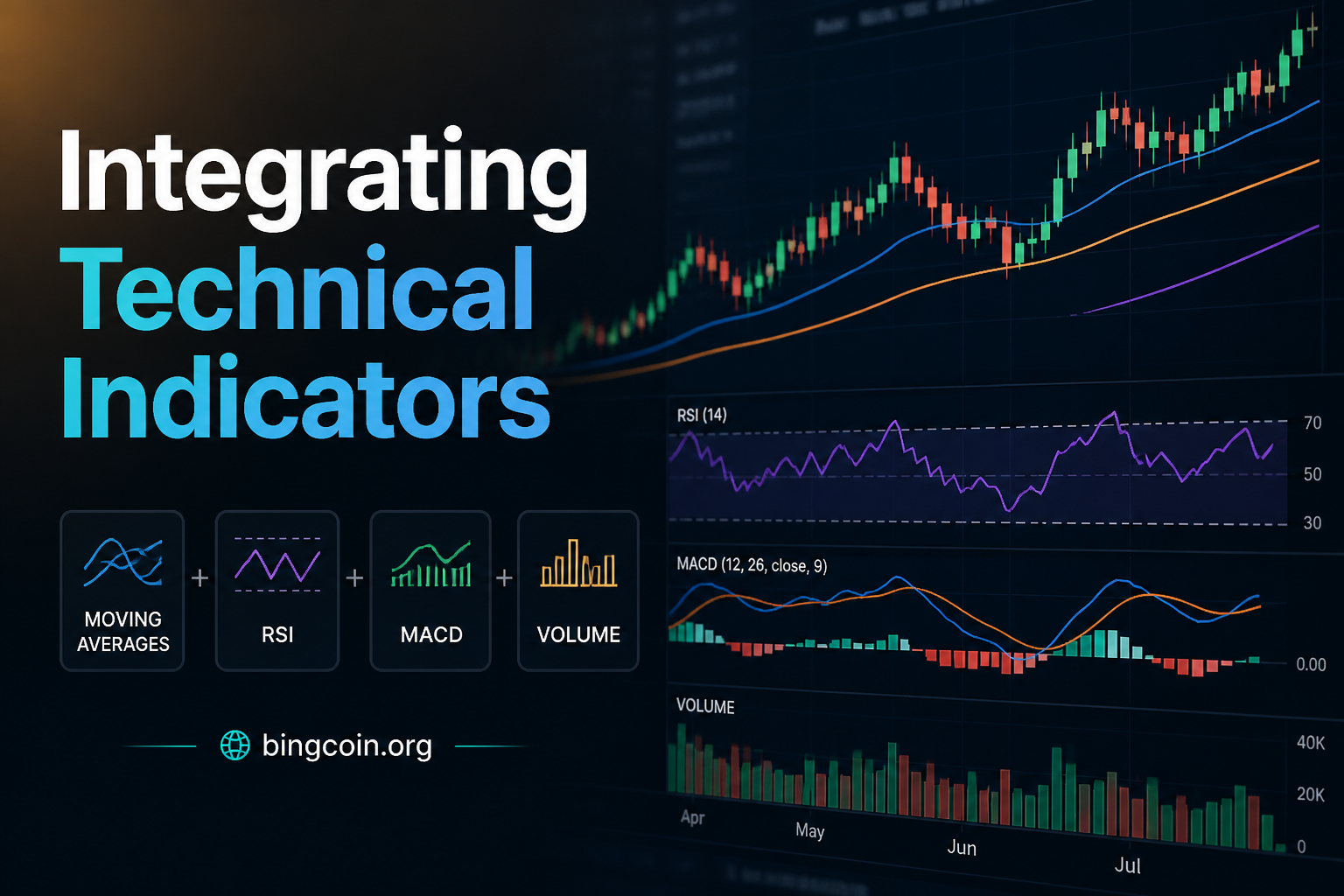
Technical indicators are analytical tools used to predict future price movements based on historical price data. They are crucial for crypto traders who rely heavily on technical analysis.
Adding Indicators
To add indicators on the TradingView mobile app, access the chart of your chosen crypto pair. Tap the ‘fx’ icon to see a list of available indicators. Popular choices include Moving Averages (MA), Relative Strength Index (RSI), and Bollinger Bands.
Customizing Indicators
Each indicator can be tailored to meet specific analytical needs. For instance, adjusting the period of a Moving Average can offer insights over different time frames, providing flexibility for short-term versus long-term analysis.
Comparing Desktop and Mobile Capabilities
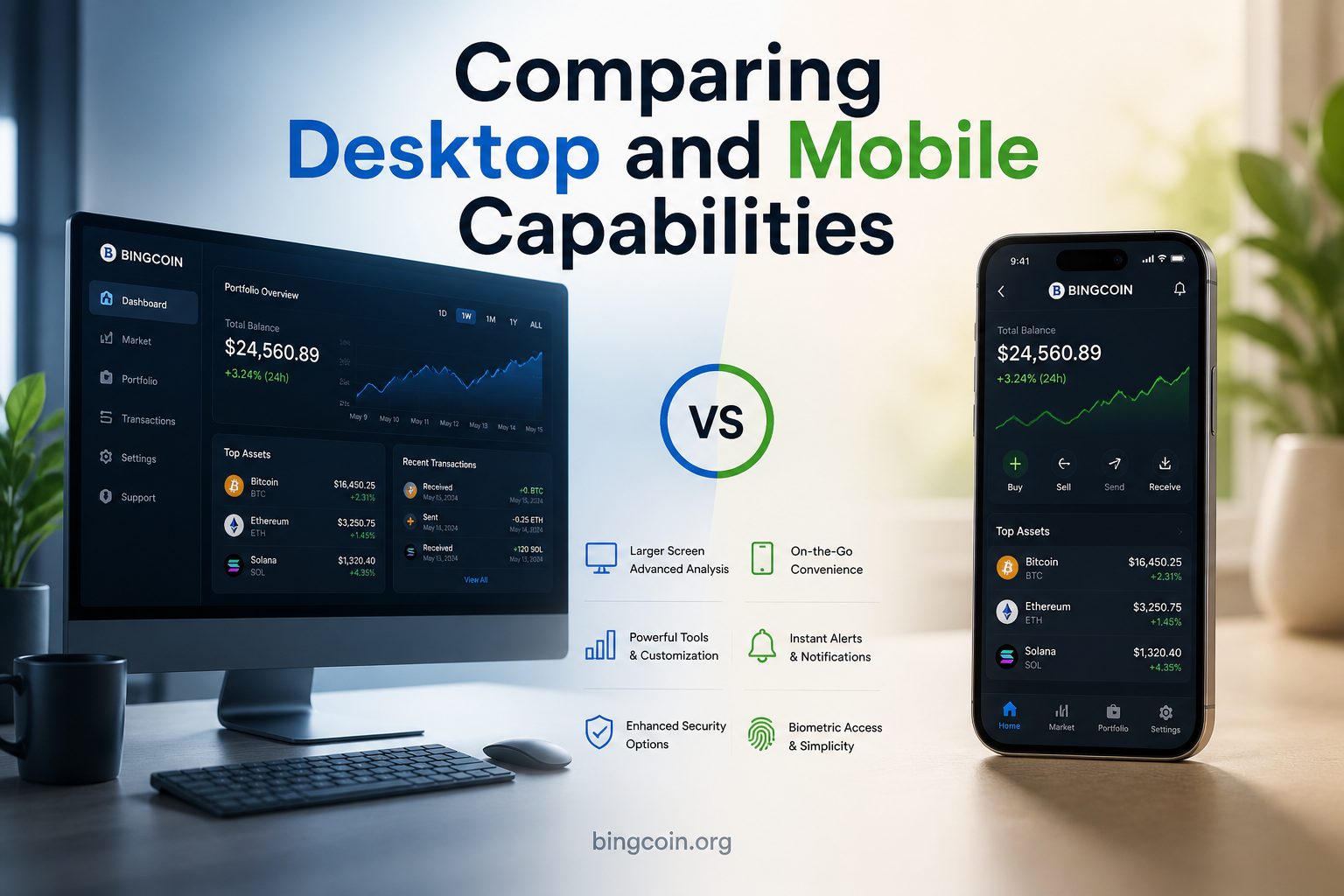
While the TradingView mobile app offers robust features, it is essential to compare these with the desktop version to understand its scope fully.
| Feature | Mobile App | Desktop App |
|---|---|---|
| Charting Variety | Comprehensive (candlestick, line, Heikin Ashi) | Comprehensive with enhanced customization |
| Technical Indicators | 150+ indicators available | 200+ indicators, including more complex scripts |
| Drawing Tools | Limited but sufficient for basic needs | Advanced drawing capabilities |
| Integration with Brokers | Basic order execution features | Full broker integration with multiple platforms |
The mobile app is an excellent tool for real-time analysis and adjustments, while the desktop version is preferred for deep-dive strategic planning due to its more extensive toolset.
Common Pitfalls and How to Avoid Them

As powerful as the TradingView mobile app is, traders often encounter challenges that can hinder effective analysis and decision-making.
Overloading indicators
Using too many indicators can lead to analysis paralysis, where conflicting signals create confusion. It is advisable to select a few complementary indicators that align with your trading strategy.
Neglecting Fundamental Analysis
While technical indicators are instrumental, ignoring fundamental factors such as major news or regulatory changes can result in incomplete analysis. Balancing both technical and fundamental insights is crucial.
Lack of Continuous Learning
Cryptocurrencies and trading technologies evolve rapidly. Staying updated with the latest trading strategies and market tools ensures you leverage the full potential of platforms like TradingView.
TradingView’s mobile app stands out in the cryptocurrency domain for its robust charting capabilities and availability of technical indicators. By understanding and customizing your dashboard, selecting appropriate chart types, and wisely choosing indicators, you can significantly improve your trading decisions. However, always approach analysis with caution, integrating both technical and fundamental insights, and continuously adapting to the dynamic nature of crypto markets.
As you refine your TradingView setup, keep an eye on updates and new features that may enhance your trading experience further. The technological landscape is ever-changing, and staying at the forefront will provide you with the competitive edge you need in navigating the world of crypto trading.
References & Further Reading
- TradingView Mobile — Official information on TradingView’s mobile app capabilities.
- Investopedia — Detailed explanation of technical indicators commonly used in financial markets.
- CoinDesk — Insights into fundamental crypto analysis techniques.
- Binance Academy — Information on trading strategies and crypto market trends.
- BingCoin — Your go-to resource for up-to-date news and information on cryptocurrencies.